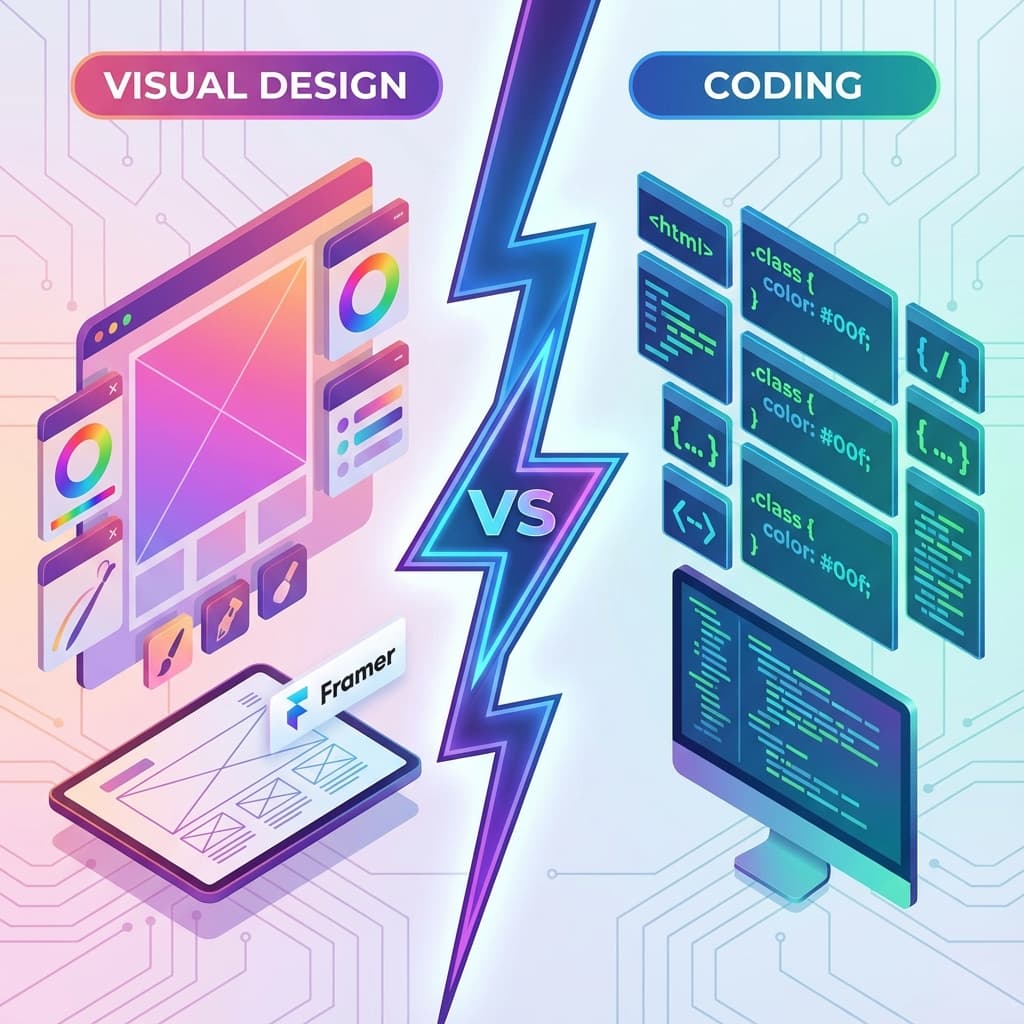
Framer has revolutionized how we design websites, bridging the gap between design and production. But when it comes to hosting or extending your site outside of Framer's ecosystem, you face a critical decision: Should you export your Framer code, or hire a developer to rebuild it from scratch?
This decision impacts your budget, timeline, and long-term maintenance. Let's break down the pros and cons.
The Comparison at a Glance
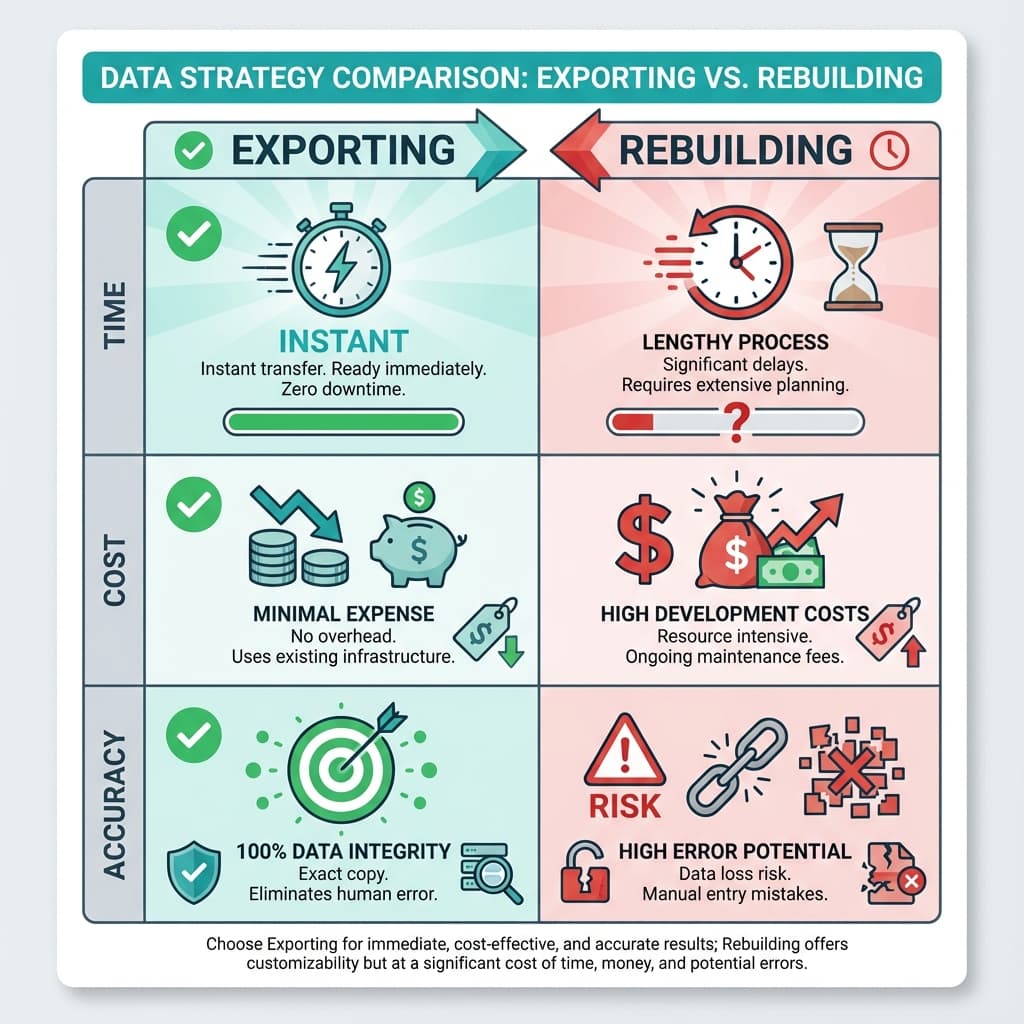
| Feature | Exporting (NoCodeExport) | Rebuilding (Manual Coding) |
|---|---|---|
| Time | Instant (< 5 minutes) | Weeks (2-4 weeks typical) |
| Cost | Minimal (One-time fee) | High ($500 - $5,000+) |
| Design Fidelity | 100% Pixel-Perfect | Dependent on developer skill |
| Code Control | Clean, generated HTML/CSS | Full manual control |
| Updates | Re-export instantly | Billable hours for changes |
Option 1: Rebuilding from Scratch
Traditionally, "hand-off" meant a designer passing a Figma file to a developer. With Framer, you've already built the site, but to move it, some believe you need to "re-code" it.
Pros
- Total Control: A developer can structure the backend exactly how they want.
- Custom Logic: Easier to add complex, non-standard web apps (though you can often do this with exported code too).
Cons
- Double Work: You've already built the site visually. Coding it again is redundant.
- "Pixel-Imperfect": Developers often miss subtle animations or spacing details that you perfected in Framer.
- Expensive: Good developers charge premium rates.
Option 2: Exporting Code (NoCodeExport)
This method treats Framer as your visual IDE. You build it, and then simply "compile" it to standard HTML/CSS/JS.
Pros
- Speed: Go from design to live external hosting in minutes.
- Accuracy: The code reflects exactly what you see in the canvas.
- Cost-Effective: Fraction of the cost of hiring a developer.
- Clean Code: Modern tools generate semantic, optimized code that scores high on Lighthouse.
Cons
- Learning Curve: You'll need to know how to upload files to a host like Netlify (see our guide on Hosting on Netlify).
The Verdict
For 95% of marketing sites, portfolios, and landing pages, exporting is the clear winner. It saves you weeks of time and thousands of dollars, allowing you to focus on content and design rather than managing a development project.
If you are building a complex web application like Facebook or AirBnB, you might eventually need a custom React stack, but even then, exporting your marketing pages is the smart move.